
 Add Myanas as a Preferred Source
As of June 11, 2026, YouTube has officially announced the US rollout of its new in-app messaging feature. Details in this article are based on the most current confirmed information available. Some aspects of the rollout are still progressing and may continue to change.
For years, sharing a YouTube video with a friend required the same awkward workaround: copy the link, jump to iMessage or WhatsApp, paste it, and then wait for a reply somewhere completely outside of YouTube. It worked, technically, but it always felt like duct tape. YouTube noticed. And now, after a long and winding road, the platform’s messaging feature is back and this time, it’s coming to the United States.
The YouTube messaging feature isn’t a brand new idea. YouTube actually tried this before, launching in-app direct messaging back in 2017. But the original version struggled with low adoption and serious moderation headaches, and the feature was shut down quietly on September 18, 2019. Fast forward to late 2025, and YouTube decided to take another run at it smarter, more restricted, and with a clearer purpose.
Why Doesn’t YouTube Have a Private Messaging Feature? (It Actually Does Now)
If you’ve searched “why doesn’t YouTube have a private messaging feature,” you’re not alone and until very recently, the frustration was completely valid. For nearly six years, YouTube had no in-app DMs at all. The question makes total sense.
Here’s the short version: YouTube did have messaging once, launched it in 2017, and then pulled it in 2019 because hardly anyone used it and it created real safety and moderation problems. After that, the company shifted its focus entirely to public engagement tools comments, Community posts, and live chat. Private messaging just wasn’t a priority.
But that finally changed. As of June 2026, YouTube has brought private messaging back and is actively rolling it out to US users. So if you’ve been asking why the feature doesn’t exist it now does. It’s invite-only, limited to users 18 and older, and lives inside the YouTube mobile app. The feature is still in a phased rollout, so not every account will see it on day one, but it’s here.
The rest of this article covers exactly how it works, what’s different from the old version, and what it means for creators and everyday users.
A Feature That Failed Before So Why Now?
That’s actually the most interesting question here, and most articles skip right past it.
READ MORE
Every time a user copies a YouTube link and shares it via WhatsApp, Signal, or Instagram DMs, YouTube loses the opportunity to capture and monetize that interaction. Users leave the app, the conversation happens elsewhere, and YouTube gets no data or engagement from it. That’s not just a minor inconvenience for YouTube’s product team it’s a measurable drain on watch time, ad impressions, and the platform’s overall grip on user attention.
The social media landscape has also shifted in ways that make this move less risky than it was in 2017. Shorts changed how people interact with YouTube content quick, reactive, and shareable. That kind of content practically begs to be sent to a friend. For the last six years, the lack of an inbox forced creators and fans into a fragmented experience. If you wanted to discuss a video privately, you had to copy the link, leave the app, and paste it into WhatsApp, Instagram, or Telegram. That friction resulted in millions of users leaving the YouTube environment every single day.
The old failure also taught YouTube something real: the original messaging tool wasn’t built around YouTube’s core product. It was a generic chat feature that happened to live inside a video app. The entire new messaging experience is content-centric, designed specifically to facilitate discussions around videos within YouTube’s native environment. That distinction matters more than it might seem.
How the YouTube Messaging Feature Actually Works
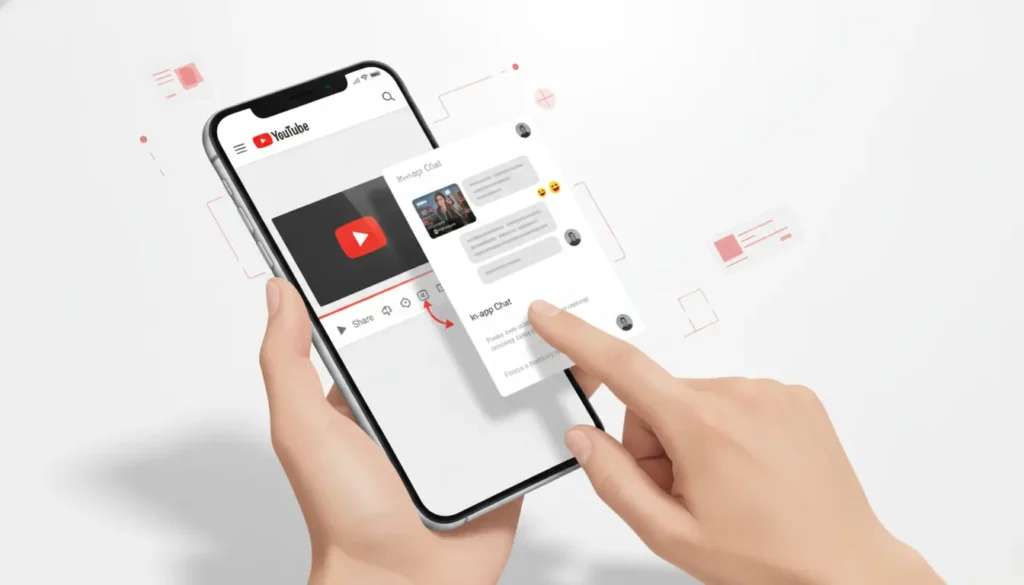
YouTube’s new chat system is pretty simple to navigate. Once it’s enabled for you, you’ll find the messaging icon in the top right corner of the app, where you can access your chats. When watching a video, hitting the Share button will show a list of contacts you can message.
The new feature lets users share videos, Shorts, and live streams directly with friends without leaving the app. You can respond with text or emojis, and the conversation is tied to the content you’re discussing which keeps things focused in a way the 2017 version never managed to be.
A few things are worth knowing upfront.
The feature is invite-only. You can’t just cold-message anyone on the platform. Users must send invites before chatting, which significantly reduces the spam problem that plagued the first version. There are also built-in safety tools: users can unsend messages, block contacts, and report conversations. That’s a much more thoughtful setup than what YouTube shipped in 2017, when there was no way to block incoming requests from strangers.
The feature is also 18 and older only. Users must be signed in to a YouTube account and must be at least 18 years old. In some cases, age verification may be required before messaging becomes available. YouTube uses your Google account date of birth to determine eligibility no ID upload required unless your age can’t be confirmed from existing account data.
And for now, it’s mobile only. iOS and Android users are the target audience. There’s no word yet on a desktop version.
The Rollout Timeline: How We Got Here
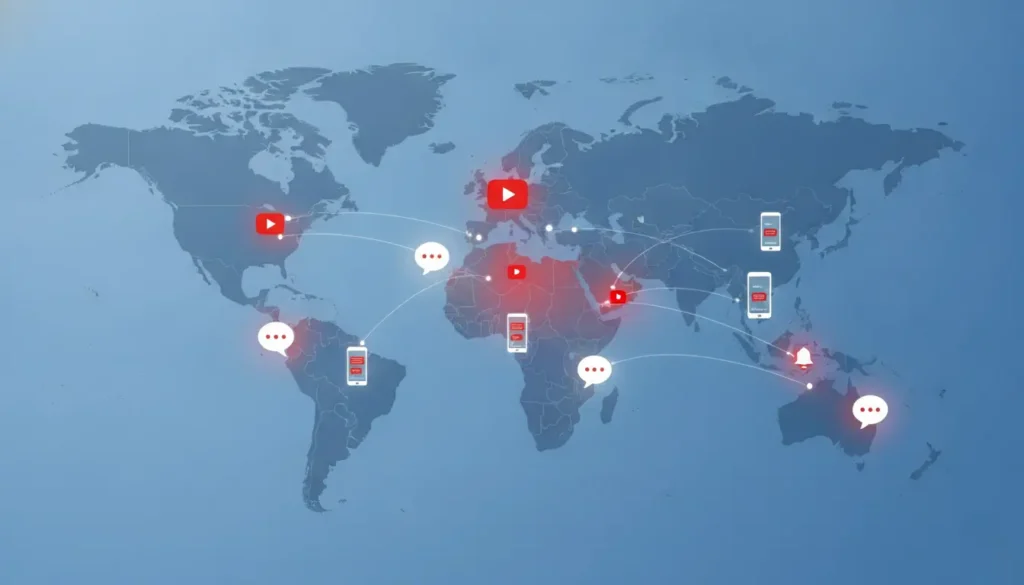
In late 2025, YouTube launched the new messaging feature to a limited group of users in Ireland and Poland. Then, in March of 2026, the feature was expanded to over 30 countries across Europe, including France, Germany, Italy, and Spain.
The cautious, country-by-country approach was clearly intentional. YouTube wasn’t going to repeat the mistake of a messy global launch before working out the moderation and safety kinks. The European pilot gave the team months of real-world usage data before expanding further.
With the latest announcement, the feature is rolling out now in the US, UK, Brazil, and Singapore. For American users, that means the messaging icon may start appearing in your YouTube app in the coming days, assuming you meet the age requirement. If you don’t see it yet, a simple app update via the App Store or Google Play should be the first step.
I’ll be honest when I first heard YouTube was trying DMs again, my reaction was somewhere between skeptical and amused. The 2019 shutdown felt so definitive. But the more I dug into how the new version is structured, the more it started to make sense. The invite-only model alone fixes about half the problems that sank the original. Whether it’ll actually become part of how people use YouTube day-to-day is a different question, and one only time will answer.
What This Means for Creators
Creators have the most to potentially gain here and also a few things to be cautious about.
On the upside, the new version is specifically designed to facilitate closer connections between content creators and their audiences, rather than serving as a general social media chat tool. If you’re a smaller or mid-sized creator, the ability for a fan to send you a direct message about a video without the chaos of a comment section could be genuinely useful. Think of it as a more direct channel for feedback, collaboration inquiries, or just building a tighter community.
The downside? Volume. Larger creators and YouTubers with significant subscriber counts may quickly find their inbox unmanageable. The invite-only system helps, but it doesn’t fully solve the accessibility problem. For now, creators will want to keep an eye on their YouTube Studio notification settings to make sure they’re managing incoming messages on their own terms.
There’s also a data angle that YouTube hasn’t talked about much publicly. Social sharing data can help the algorithm identify content that resonates deeply enough to inspire active sharing behavior. In other words, videos that get shared through the messaging feature could see a boost in how YouTube’s recommendation engine treats them. That’s speculative at this stage, but it’s a reasonable inference from how the platform rewards engagement signals.
The Honest Concerns Worth Raising

It’s worth saying plainly: YouTube has a complicated history with features it later abandons. The original messaging feature, Stories, and several Creator tools have all been launched and quietly shelved. YouTube’s own support documentation describes this new messaging rollout as a test, which means it isn’t guaranteed to stick around.
There’s also the content-only limitation to consider. Unlike WhatsApp or iMessage, you can’t send a YouTube message that isn’t tied to a YouTube video. That’s a deliberate design choice YouTube wants conversations to stay inside the platform and around its content but it also makes the feature feel narrow compared to a real messaging app. You’re not going to replace your group chat with this.
Safety, while improved, is still a concern at scale. Messages are reviewed under YouTube’s Community Guidelines, but moderation at the volume of a platform with over 2 billion logged-in monthly users is a significant challenge. YouTube hasn’t been specific about how proactive versus reactive that moderation will be.
Should You Use the YouTube Messaging Feature?
If you’re someone who already shares YouTube links constantly with friends or family and honestly, most of us do then yes, this is worth trying once it reaches your account. Keeping that conversation inside YouTube removes a step, and the content-centric design means the video stays front and center rather than getting buried in a chat thread.
If you’re a creator, approach it thoughtfully. Enable it, see what the conversation quality looks like, and don’t feel obligated to respond to every message if the volume gets unwieldy.
For everyone else, it’s a nice addition, but it’s not going to replace your main messaging apps. That was never really the goal anyway. YouTube isn’t trying to be iMessage. It’s trying to keep you from leaving YouTube and on that narrower objective, this feature has a real shot at working.
The YouTube messaging feature has had a strange life: born in 2017, killed in 2019, quietly rebuilt, tested across Europe, and now finally landing in the US. Whether this version actually sticks will depend on whether American users embrace it or treat it the way most people treated the 2017 version as a curious feature they tried once and forgot about.
This article will be updated as official information about the YouTube messaging feature and its US rollout becomes available.

